Overview
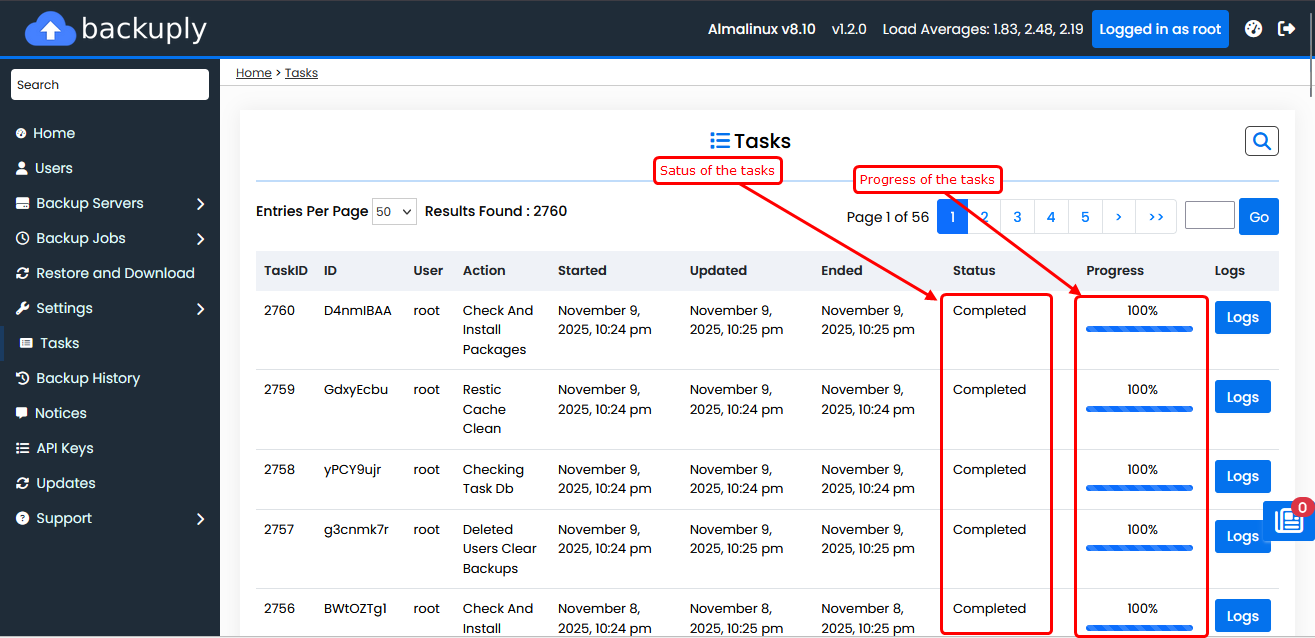
Backuply provides a complete view of all backup, restore, and other tasks.
It allows admins to track task status, review logs, and troubleshoot issues efficiently.
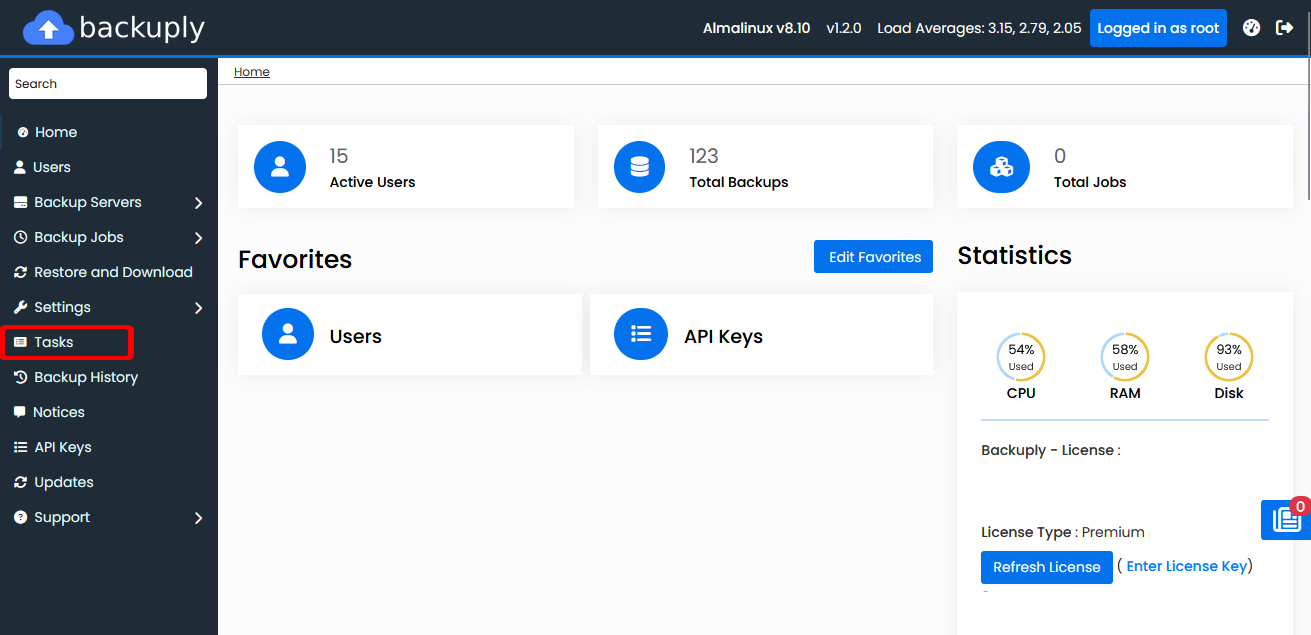
To open Task wizard please navigate to Admin Panel > Tasks from the left sidebar.
Click the Logs button to view the logs.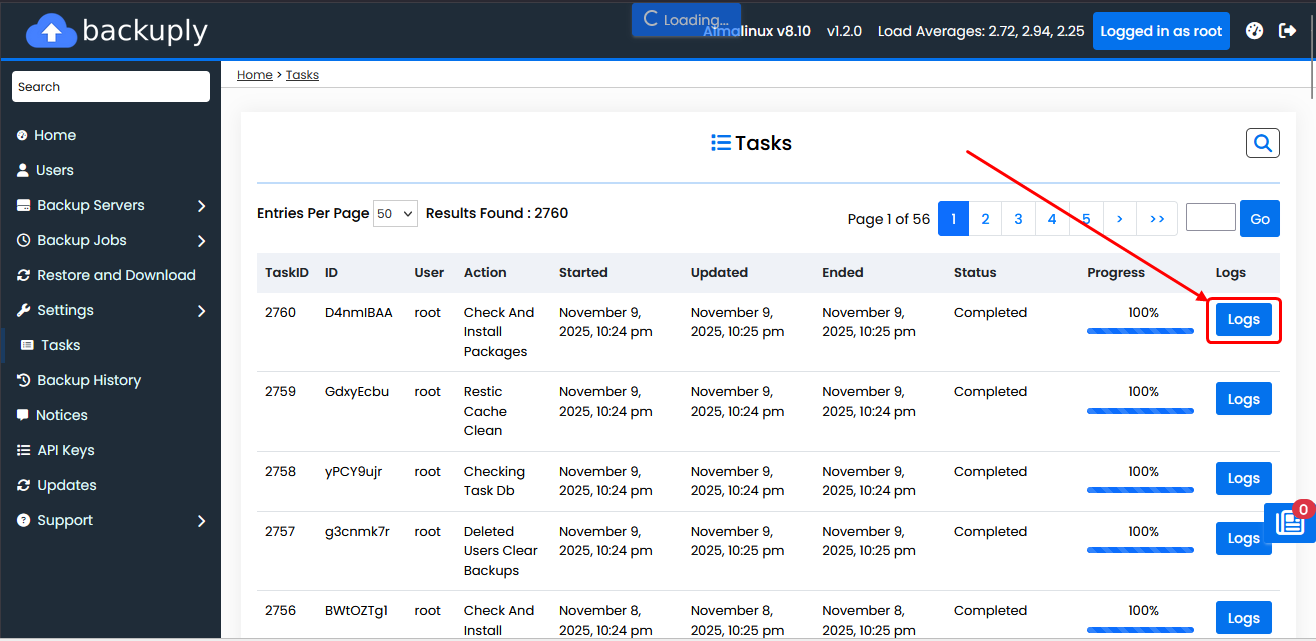
You can check the progress and status of the task.